Version 1.12.0 is here! 🎉
2026-03-31
Introducing Visuals: add PDFs and images to your tracks. Track Actions reorganized, and much more!
Visuals
Say hello to Visuals, our powerful new feature for integrating PDFs and images directly into your tracks! Add Visuals at specific points within a track, and they'll automatically appear on screen while you perform. Perfect for chord charts, lyrics, sheet music, or any visual cue you need during a gig. You can even mirror PDFs and images to an external screen, so your audience or bandmates can follow along. Pads now support images too, giving your setup a more visual and intuitive feel.
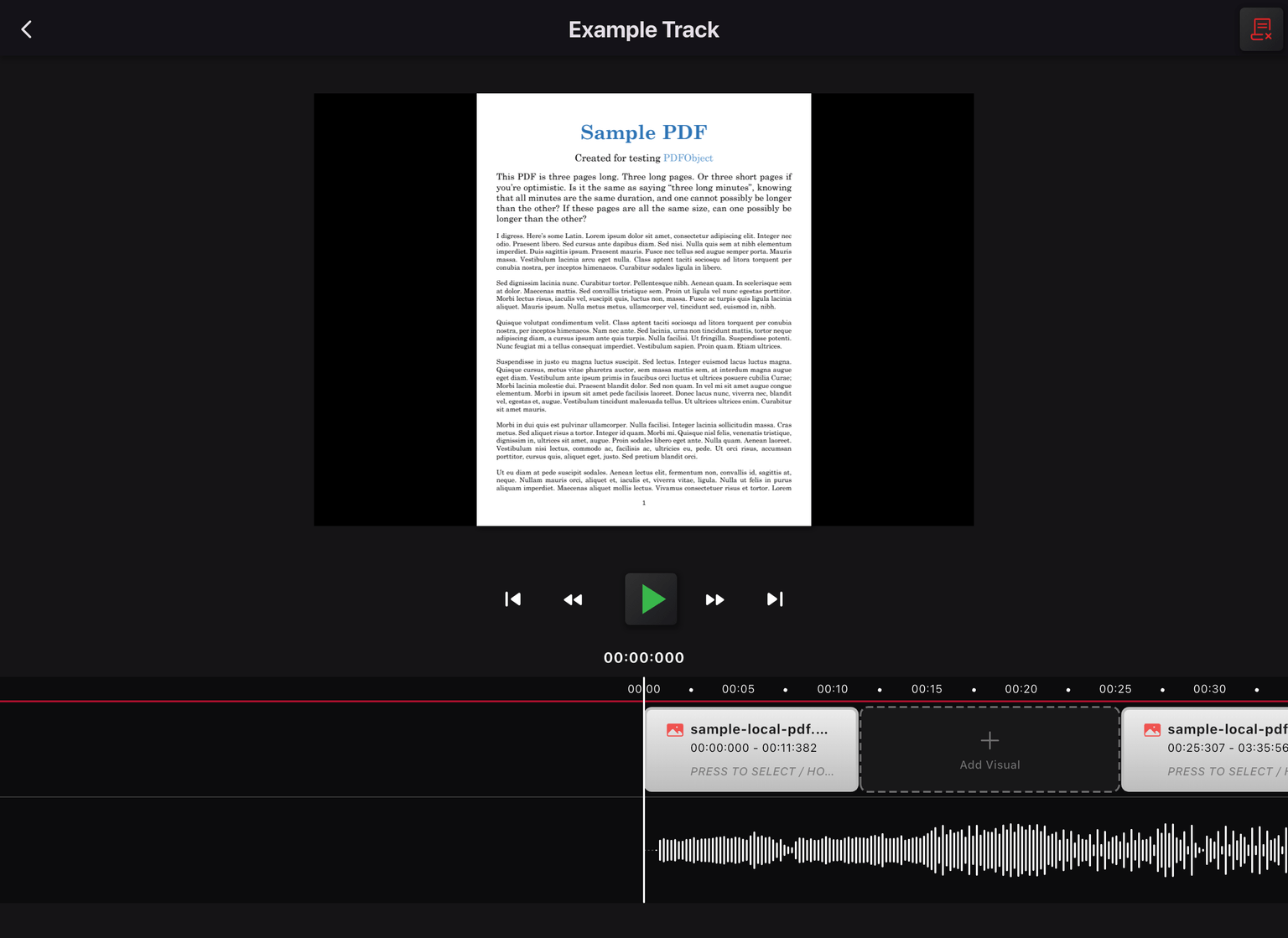
A cool combination: you can configure lyrics for most of a track, and when a section comes where you need a PDF on screen, add that PDF at the right time in the Visuals screen. It will automatically show the PDF at that moment. This automatic switching works when all the Display Preview switches are off (see below).
Track Actions reorganized
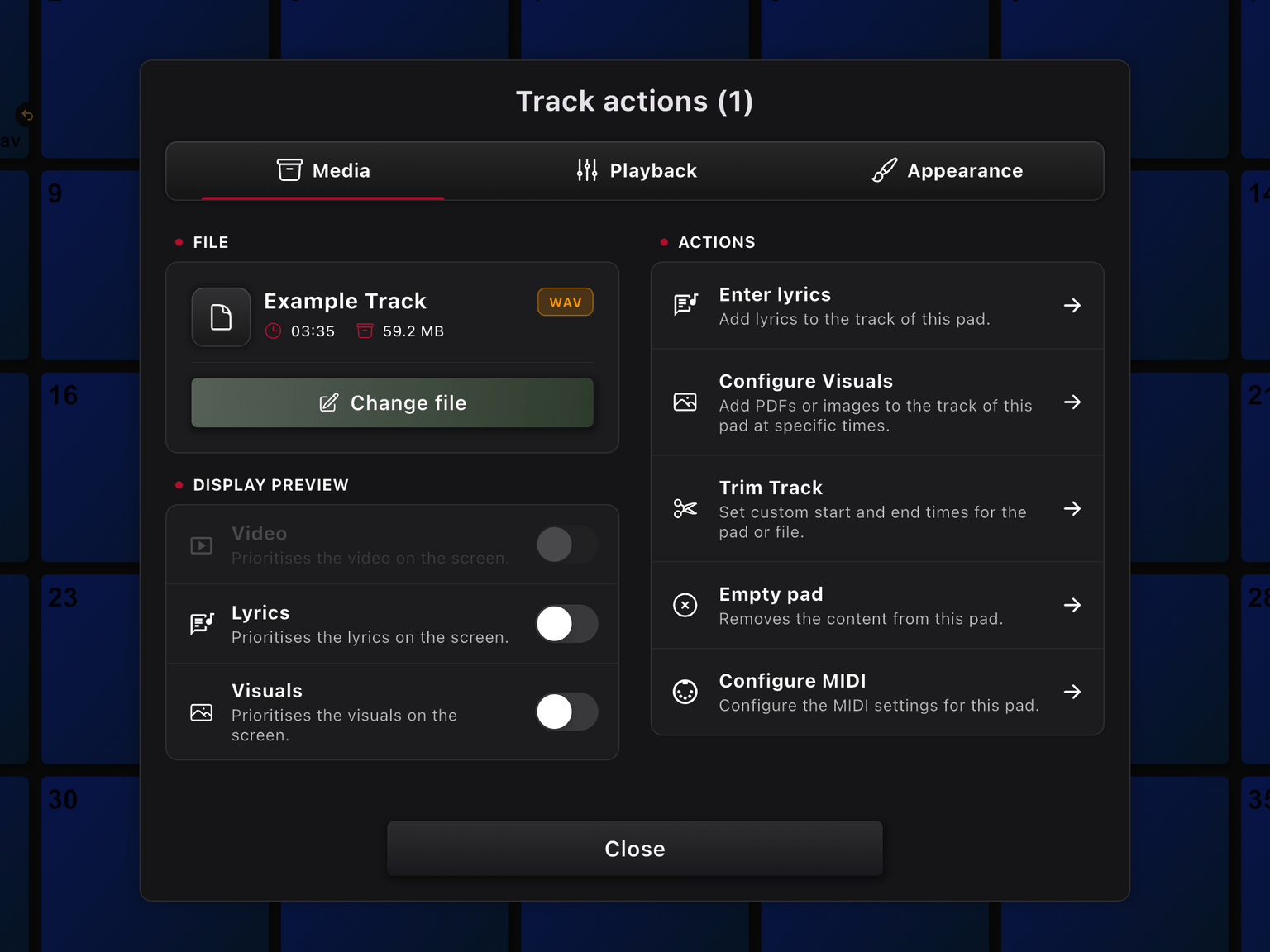
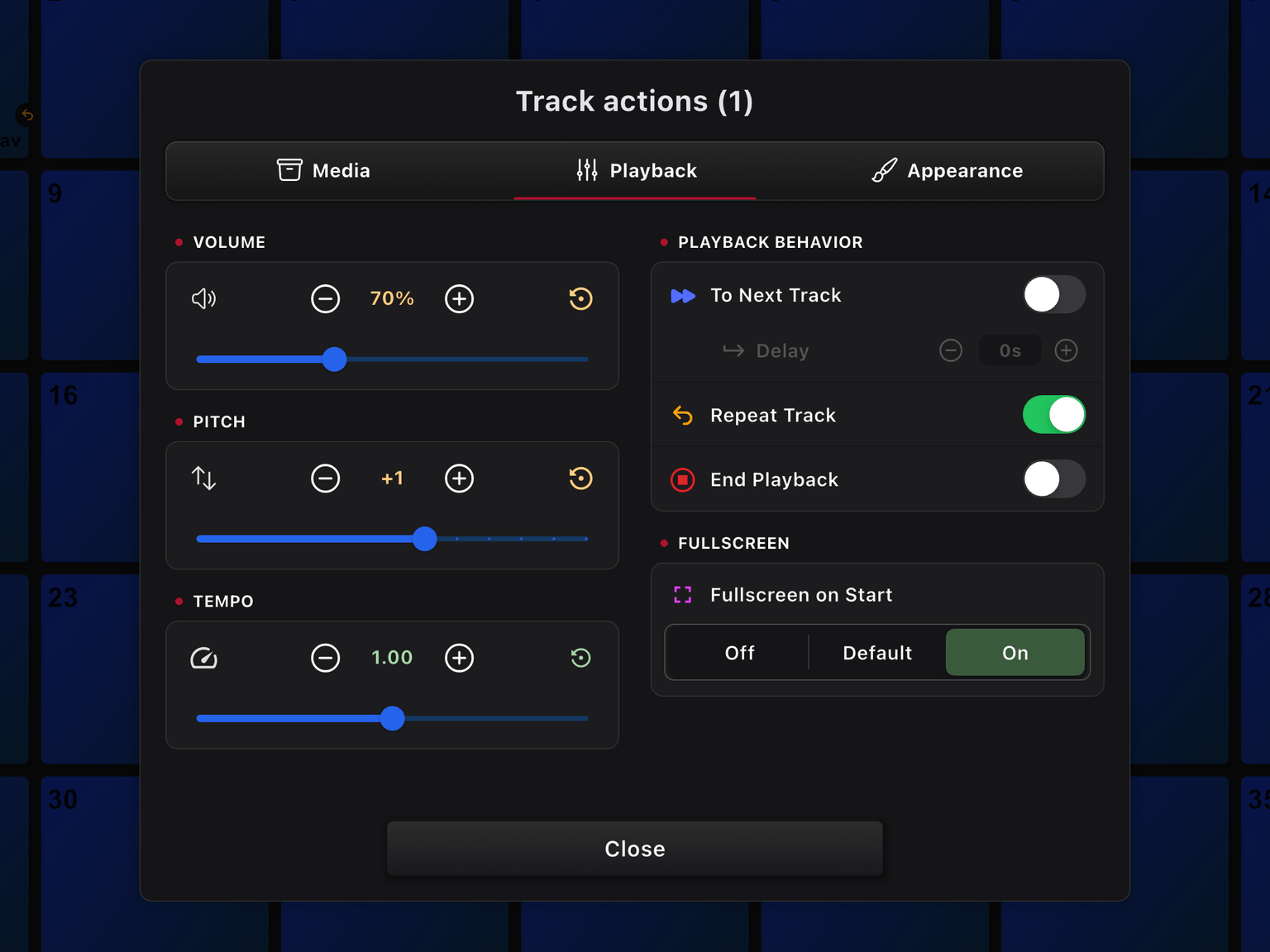
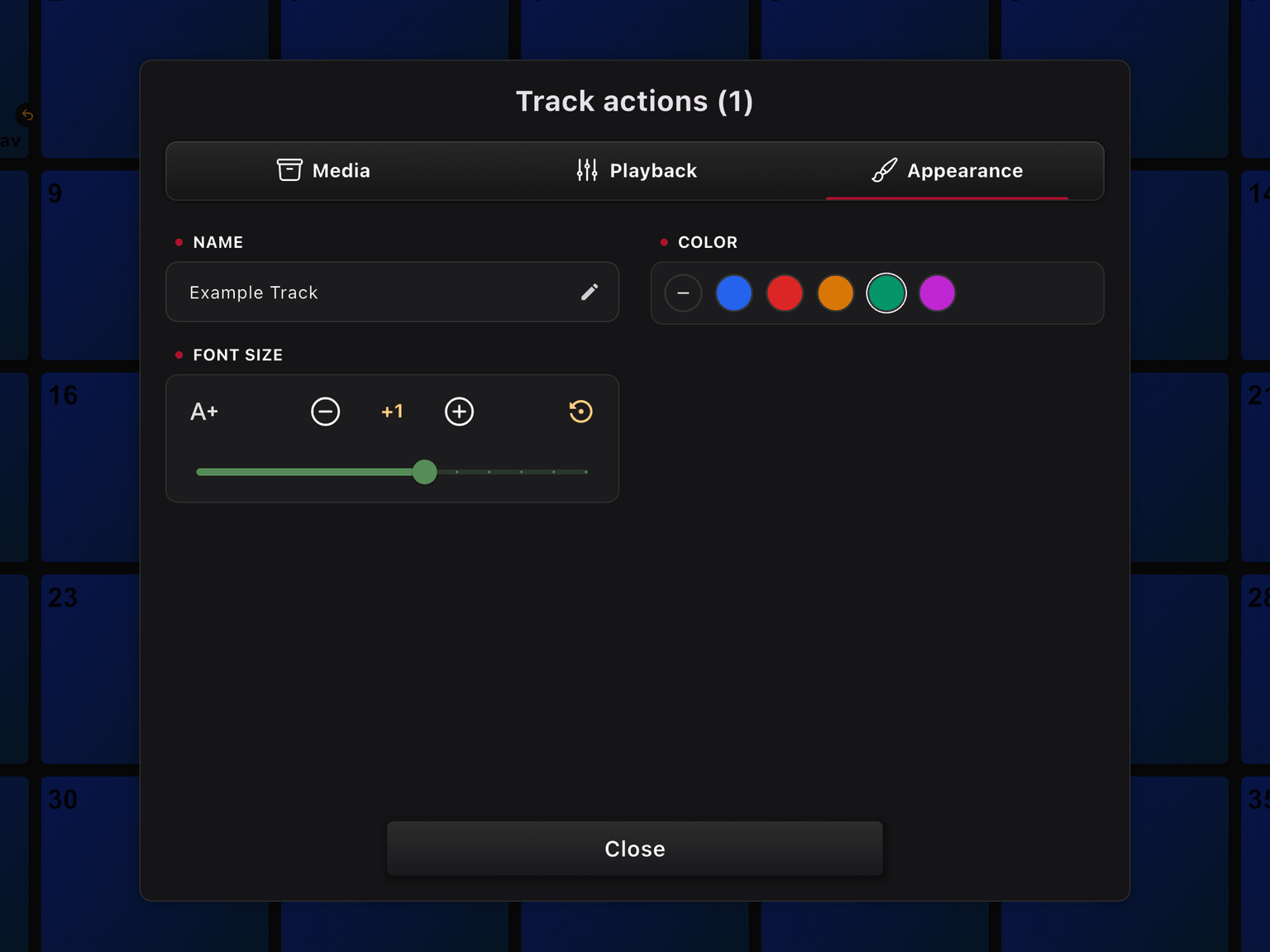
We've given the Track Actions menu a fresh new layout. We understand that everything on one page is easier, but with so many options and more planned for the future, we've split the page into three sections: Media, Playback and Appearance. This allows us to keep adding configurations, and still maintain a clear overview of the options.
Display Preview option per Pad
The Display Preview option can be configured per Pad and lets you prioritize what is displayed on the screen. Choose between Video, Lyrics or Visuals for each pad, so you control exactly what takes precedence when multiple content types are available.
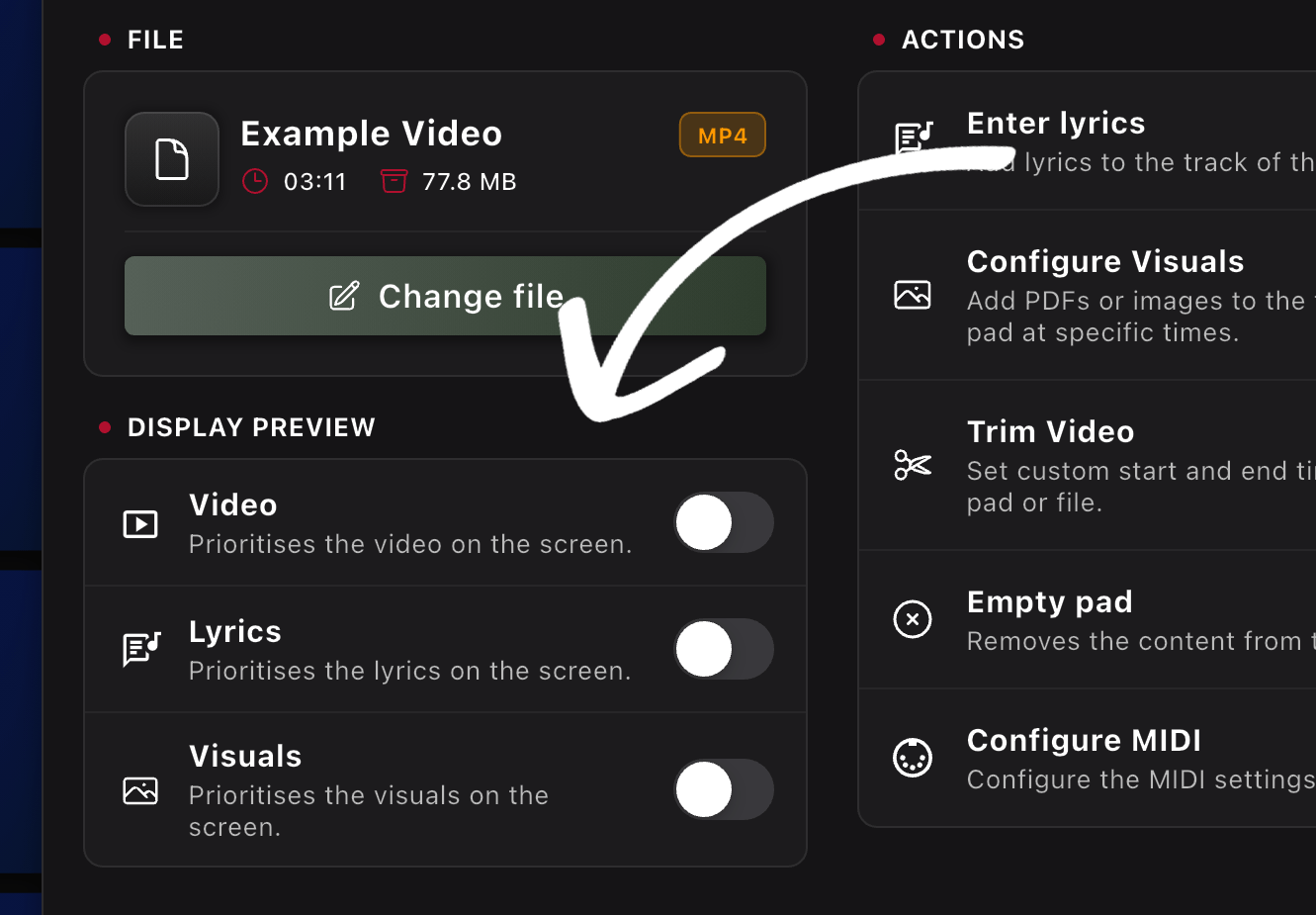
Leave all options disabled and the app will determine the preview automatically. Video is prioritized when available, otherwise Visuals, and then Lyrics.
Play/Pause by Pad press
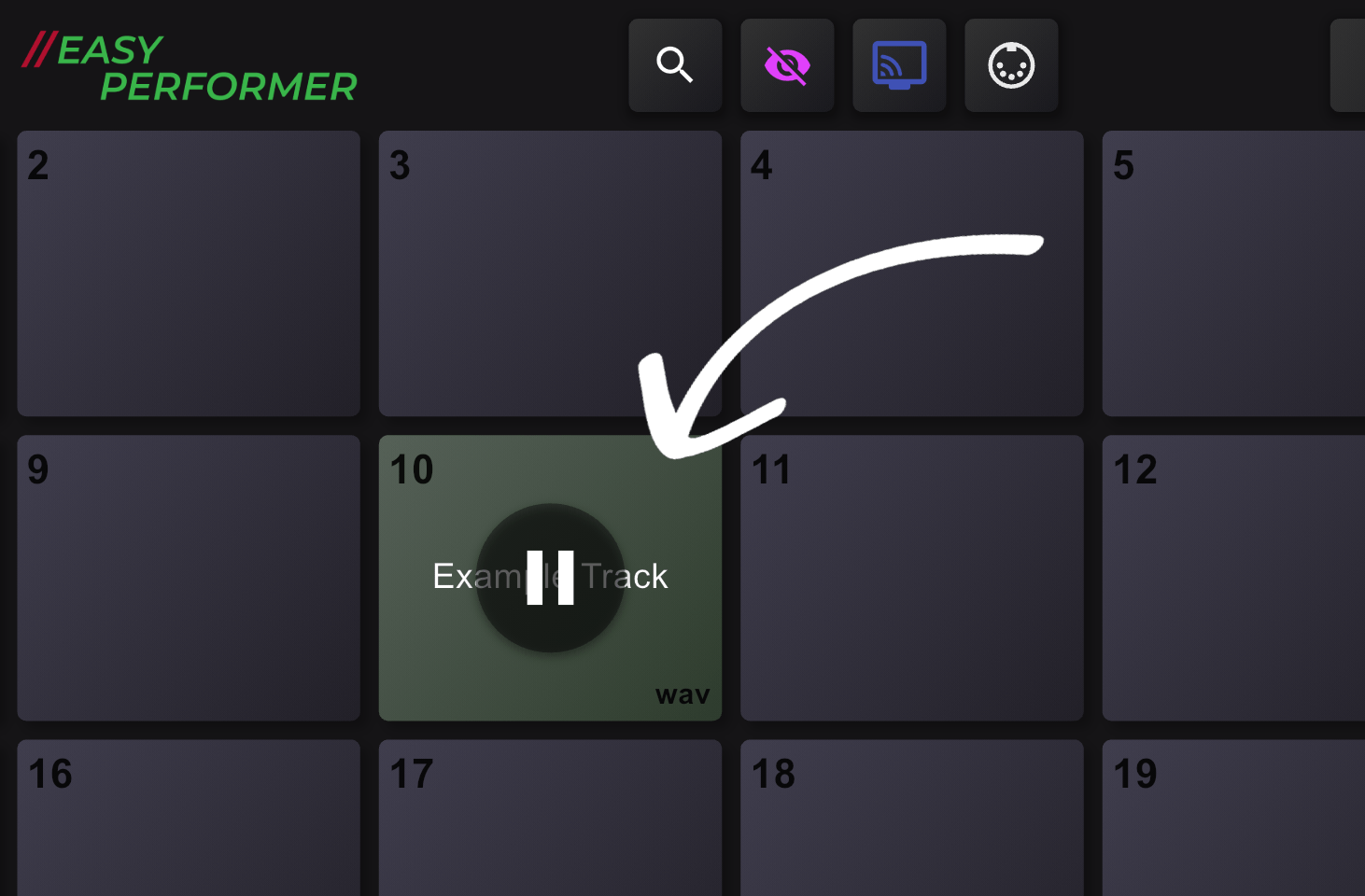
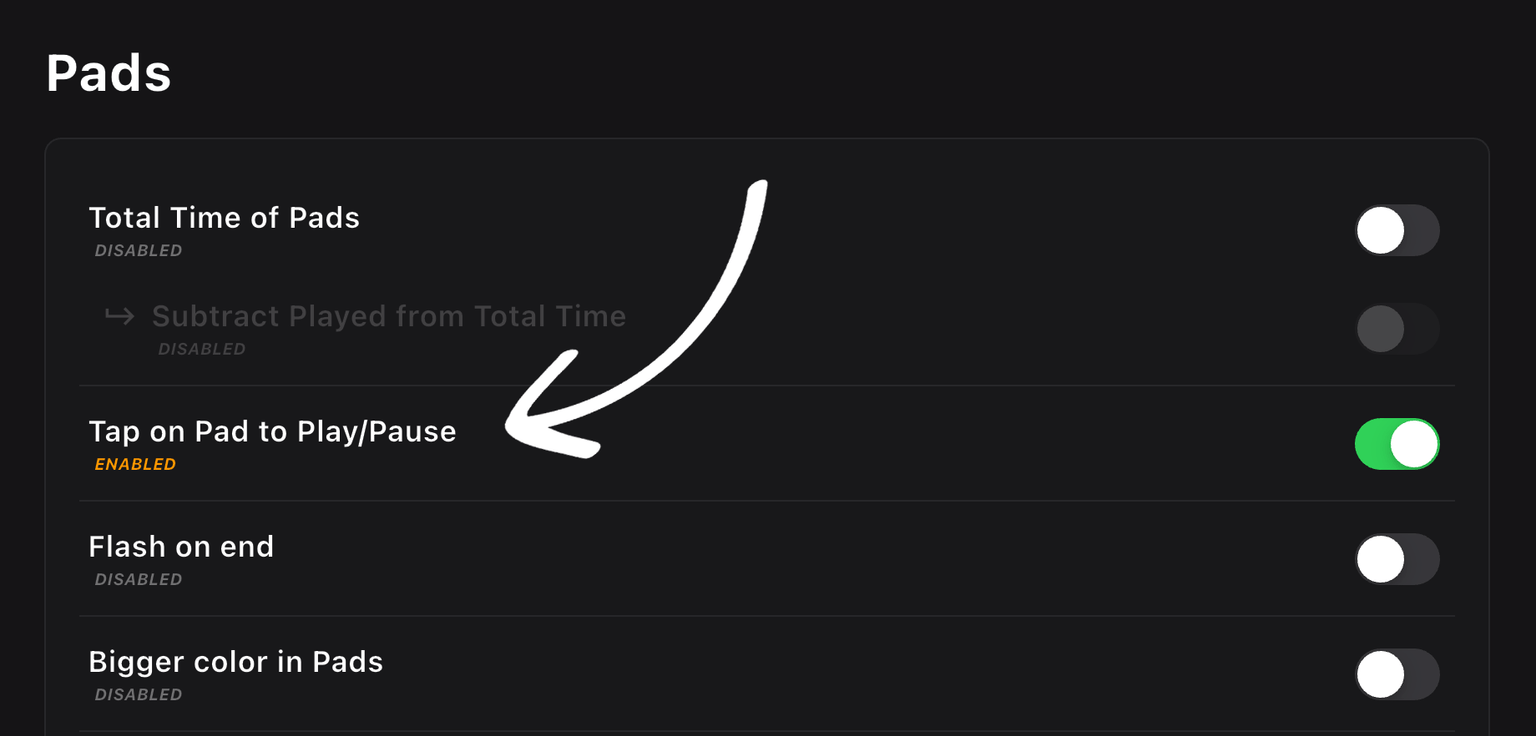
The new Tap on Pad to Play/Pause setting adds a Play/Pause button to each pad that works just like the regular Play/Pause button. When enabled, the button is visible directly on the pad, so you can pause or resume playback with a single tap. Great for rehearsals, quick checks, or hands-on control during a performance.
Open fullscreen configurable per Pad
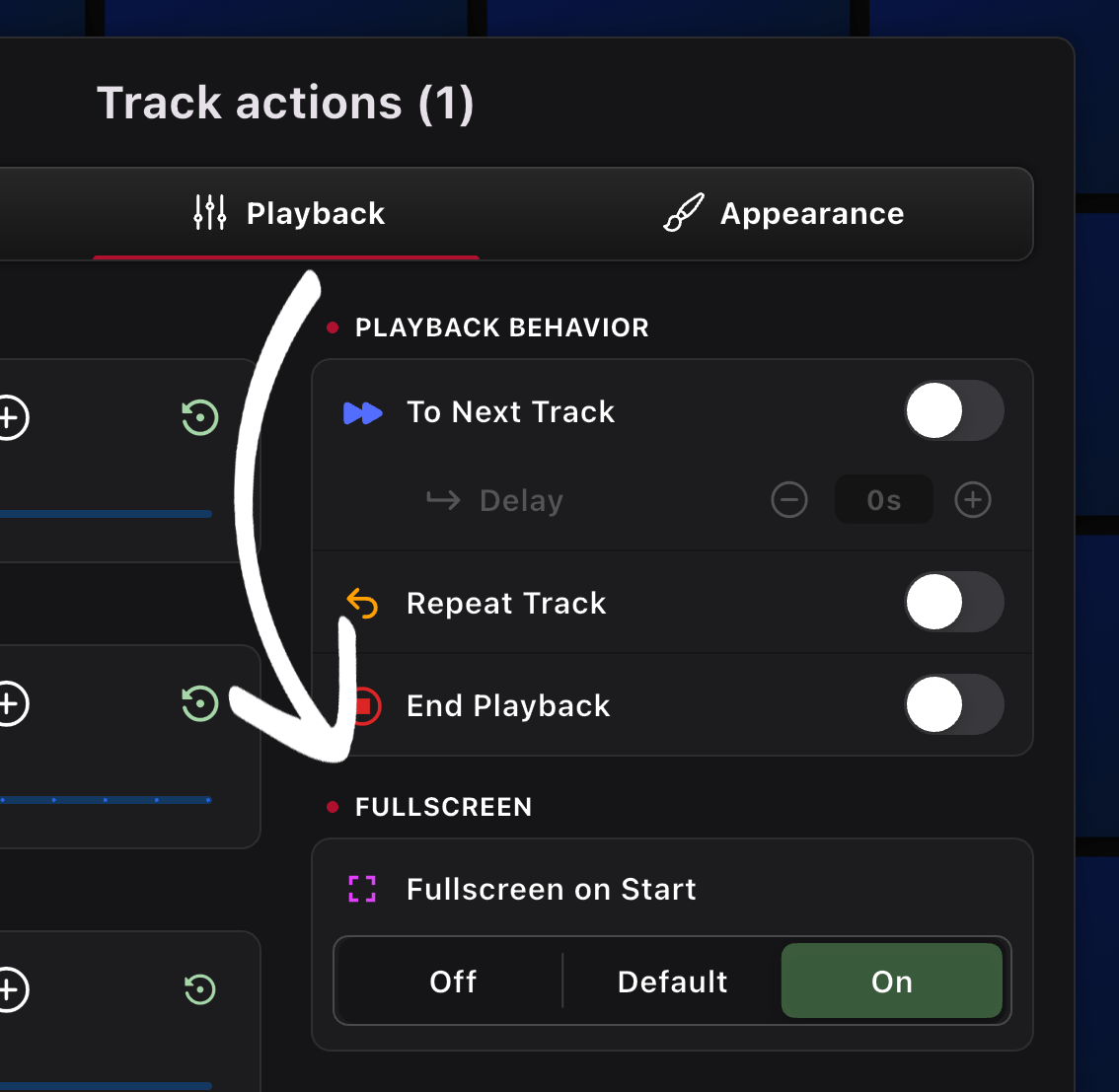
There's a global Start with Fullscreen setting that applies to all pads by default. Now you can override that behavior per Pad, so you decide which pads open in fullscreen and which stay in the main view. More flexibility, fewer surprises.
Insert into Pads
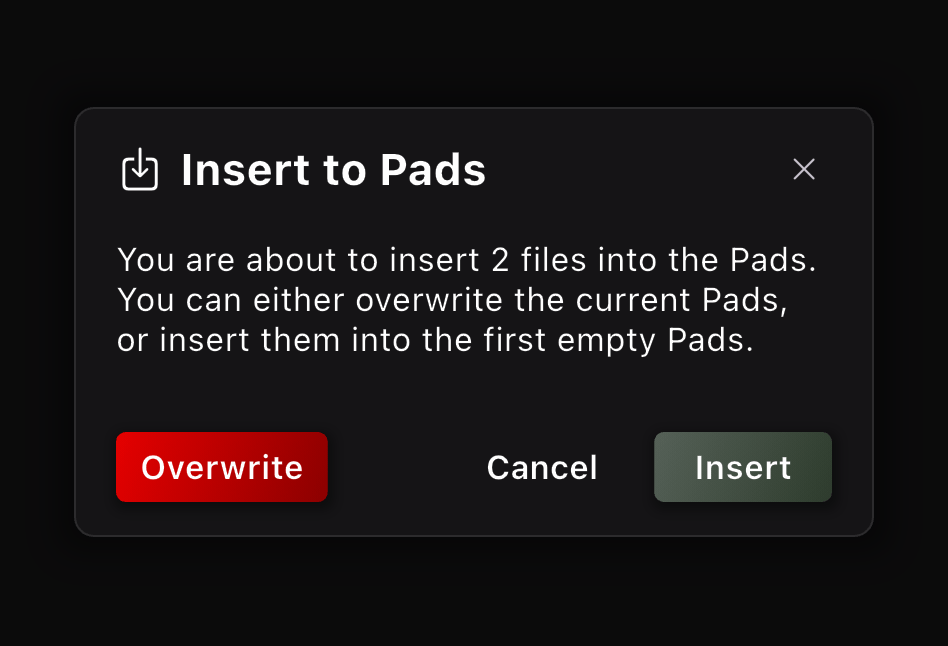
Bulk inserting files into Pads is now much more flexible. Previously, adding multiple files would overwrite all your existing Pads. Now, you can insert files and they’ll be added to your current setup, keeping your previous Pads intact. You still have the option to overwrite all Pads if you want.
That's it!
We hope you like this update! We love hearing from our users! If you have a feature request, idea, or suggestion for EasyPerformer, please don’t hesitate to send us a message. Your feedback helps us make the app even better for everyone. 😊